Day 7: Working with Objects in JavaScript
I am a passionate web developer and open-source enthusiast on a captivating journey of coding wonders. With a year of experience in web development, my curiosity led me to the enchanting world of React, where I found a true calling. Embracing the magic of collaboration and knowledge-sharing, I ventured into the realm of open source, contributing to Digital Public Goods (DPGs) for the betterment of the digital universe. A firm believer in learning in public, I share my insights and discoveries through blogging, inspiring fellow coders to embark on their own magical coding odysseys. Join me on this thrilling adventure, where imagination and technology converge, and together, let's shape the future of the digital landscape! 🎩✨
Screenshot :-
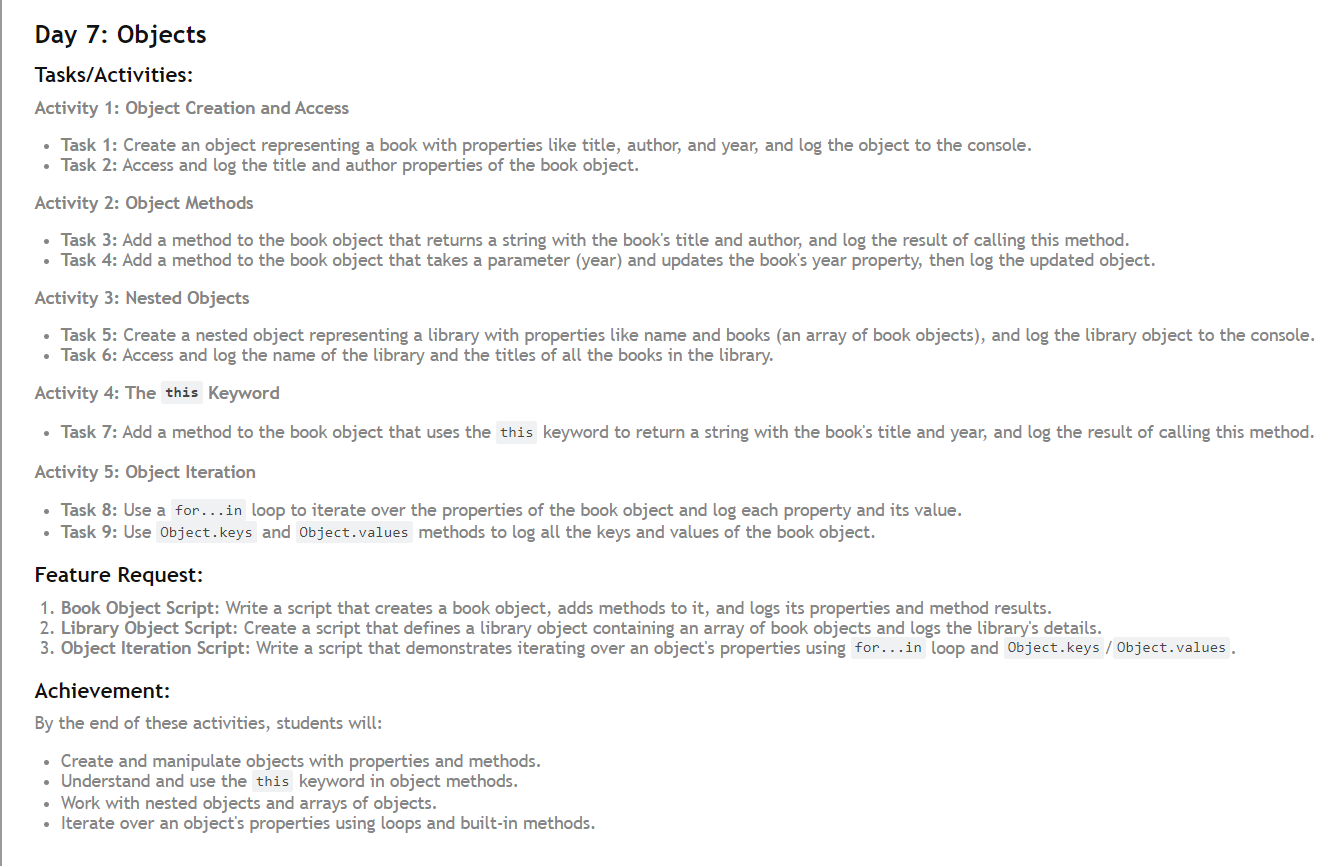
Objects are essential in JavaScript, providing a way to store related data and functionality. This article will guide you through creating and manipulating objects, adding methods, working with nested objects, and iterating over object properties.
Activity 1: Object Creation and Access
Introduction
In JavaScript, objects are a fundamental aspect that allow you to store multiple values as properties and methods. They provide a way to group related data and functionalities together, making your code more modular and easier to manage. Today, we will explore creating and manipulating objects, adding methods, working with nested objects, and iterating over object properties.
Activity 1: Object Creation and Access
Let's start by creating a simple object representing a book and accessing its properties.
const book = {
  title: "The Catcher in the Rye",
  author: "J.D. Salinger",
  year: 1951,
};

console.log(book); // Logs the entire book object
console.log(book.title); // Logs the title of the book
console.log(book.author); // Logs the author of the book
console.log(book.year); // Logs the year the book was published
In this example, we created a book object with three properties: title, author, and year. Each property holds a value related to the book.
Activity 2: Object Methods
Objects can also have methods, which are functions that operate on the object’s properties.
book.getDetails = function () {
  return `${this.title} written by ${this.author}`;
};

console.log(book.getDetails()); // Logs "The Catcher in the Rye written by J.D. Salinger"

book.updateYear = function (year) {
  this.year = year;
  console.log(`The year has been updated to ${this.year}`);
};

book.updateYear(1981); // Updates the year to 1981 and logs "The year has been updated to 1981"
Here, we added two methods to the book object:
getDetails: Returns a string with the book's title and author.updateYear: Updates the book's year property to a new value and logs the updated year.
Activity 3: Nested Objects
Next, we'll create a library object that contains an array of book objects.
const library = {
  name: "City Library",
  books: [
    { title: "To Kill a Mockingbird", author: "Harper Lee", year: 1960 },
    { title: "1984", author: "George Orwell", year: 1949 },
    { title: "The Great Gatsby", author: "F. Scott Fitzgerald", year: 1925 },
  ],
};

console.log(library); // Logs the entire library object
console.log(library.name); // Logs the name of the library

library.books.forEach((book) => {
  console.log(book.title); // Logs the title of each book in the library
});
The library object has a name property and a books property, which is an array of book objects. We used forEach to iterate over the books array and log the title of each book.
Activity 4: The this Keyword
We can add methods to each book in the library object that use the this keyword to reference properties of the book.
library.books.forEach((book) => {
  book.getSummary = function () {
    return `${this.title} was published in ${this.year}`;
  };
});

library.books.forEach((book) => {
  console.log(book.getSummary()); // Logs a summary for each book
});
In this example, we added a getSummary method to each book object in the books array, which returns a summary string using the book's title and year.
Activity 5: Object Iteration
Finally, let's explore different ways to iterate over the properties of an object.
for (let key in book) {
  console.log(`${key}: ${book[key]}`); // Logs each property and its value
}

console.log(Object.keys(book)); // Logs an array of the book object's keys
console.log(Object.values(book)); // Logs an array of the book object's values
We used a for...in loop to iterate over the properties of the book object, logging each key and its corresponding value. Additionally, we used Object.keys and Object.values to log arrays of the object's keys and values, respectively.